Extract Audio from Any Video – Free & Easy
Convert your videos to high-quality audio instantly. Support MP4, MOV, AVI, WebM formats. Works on Android, iPhone, and Desktop. No registration required.
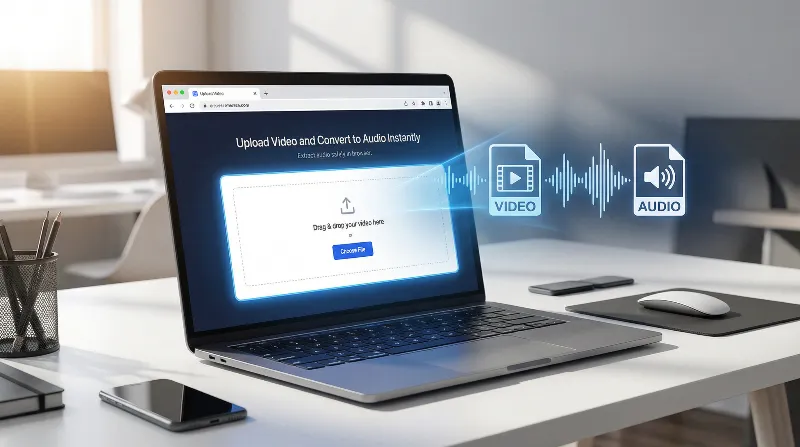
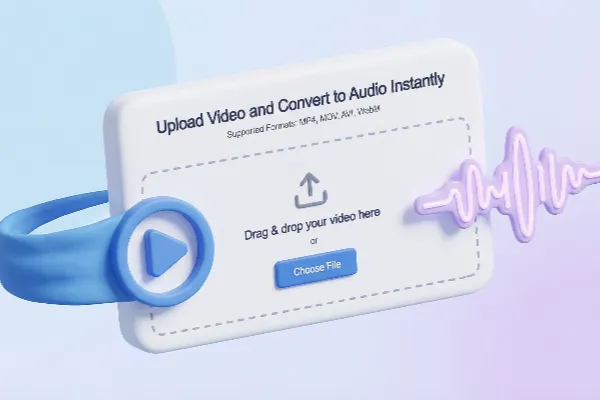
Upload Video and Convert to Audio Instantly
Supported Formats: MP4, MOV, AVI, WebM, FLV, MKV
Drag & drop your video here
or
Lightning-Fast Browser-Based Audio Extraction
Our video to MP3 converter runs entirely in your browser using advanced WebAssembly technology. No server uploads, no waiting in queues – just instant, secure audio extraction from any video format.
Why Use Our Video Audio Extractor?
The fastest and most reliable way to extract audio from videos. No registration required, completely free to use.
Secure & Private
Your data never leaves your machine. By extracting the audio offline within your browser, we guarantee absolute privacy against data breaches.
Lightning Fast
Our video audio extractor processes everything locally on your device. Skip the slow upload and download times completely.
Works on All Devices
Works on Mac, Windows, and Linux. Make a video into a mp3 using any modern web browser without installing heavy software.
Multiple Formats
Beyond basic extraction, our system prepares your files for immediate playback, editing, or sharing across any platform.
No Installation
By utilizing a powerful browser-based FFmpeg engine, you can turn video into mp3 without ever sending your private files to a remote server.
High Quality Output
Maintain the highest possible audio bitrate. Our engine ensures that you separate sound from video without unnecessary compression or quality loss.
Video to MP3 Converter Online Free
Experience a truly free tool. We don't hide our core features behind a paywall or force you to upgrade to bypass artificial speed limits.
Convert an MP4 File to MP3 Instantly
Whether it's a music clip or a podcast recording, you can convert an mp4 file to mp3 in seconds. Your hardware dictates the speed, not our servers.
No Artificial File Size Limits
Unlike traditional cloud tools that cap your uploads at 500MB or 1GB, our video audio extractor handles files as large as your device's memory can support.
Change Video to Audio MP3 Easily
Simply drag, drop, and click. You can change video to audio mp3 with a straightforward & distraction-free interface built for maximum productivity.
How to turn a screen recording into an audio file
Have a heavy screen recording? Simply drag it into our video audio extractor. Because we process files locally, you can quickly rip the audio track for your tutorials or podcasts without waiting for gigabytes of video to upload.
Convert video audio to mp3 for content creation
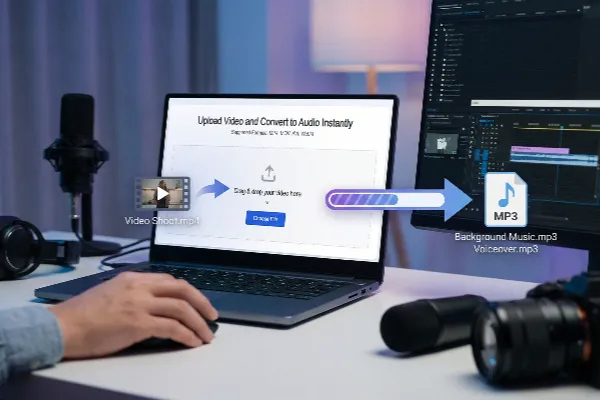
Content creators love our browser-based tool. Extract background music, voiceovers, or sound effects from your video shoots instantly, and seamlessly import the pristine MP3 into your editing software without delays.
Why our video audio extractor beats traditional cloud tools
No cloud uploads means total privacy
When you use a standard video to mp3 converter online, your personal videos are uploaded to remote servers. Our tool executes entirely inside your browser. No uploads, no server storage, and zero privacy leaks.
Bypassing artificial file size limits
Competitors force you to buy premium subscriptions to process files larger than 1GB. Because our video audio extractor uses your device's hardware, we impose absolutely zero file size limits on your local conversions.
Instant execution without server queues
Stop waiting in line for a cloud server to become available. Our local execution model means your conversion starts the millisecond you click the button, utilizing your local CPU for maximum speed.
Convert video to mp3 online free unlimited
We believe utility tools should not restrict your productivity. You can convert video to mp3 online free unlimited times because you are not consuming our server bandwidth. Extract as many files as you need.
Preserve original audio bitrates
Many cloud platforms heavily compress your files to save their server costs. Since everything happens on your machine, we preserve the exact original audio quality and bitrate during the extraction process.
No forced account creation
We value your time and inbox. You do not need to create an account, verify an email, or log in to use our platform. Just open the page and start your audio extraction immediately.
Safe for enterprise and personal networks
Corporate firewalls often block file uploads to external servers. Because our extractor runs purely on the frontend, it complies with strict enterprise IT security policies. Your data never traverses the internet.
Powered by browser-based FFmpeg
We bring desktop-level power to your web browser. By leveraging a WebAssembly port of FFmpeg, our tool decodes complex video containers directly in your tab, eliminating the need to install standalone software.
Distraction-free user interface
Traditional converters are often cluttered with confusing pop-ups or deceptive download buttons. We provide a clean, distraction-free interface so you can focus purely on getting your audio files ready.
Environmentally friendly local computing
Cloud servers consume massive amounts of energy for uploading, downloading, and processing files. By using your device's existing local processing power, you are opting for a greener, more efficient digital workflow.
Related Audio Extraction Tools
FAQs - How to Get Audio from Video?
Common questions about extracting audio from video files. Find answers to help you convert your videos quickly and easily.
Still have questions about our video audio extractor?
Contact SupportReady to Extract Audio from Your Videos?
Join thousands of users who trust our free video audio extractor